How to Create an Account?
Next you can create the Account by going to the Main Menu/Accounts screen.
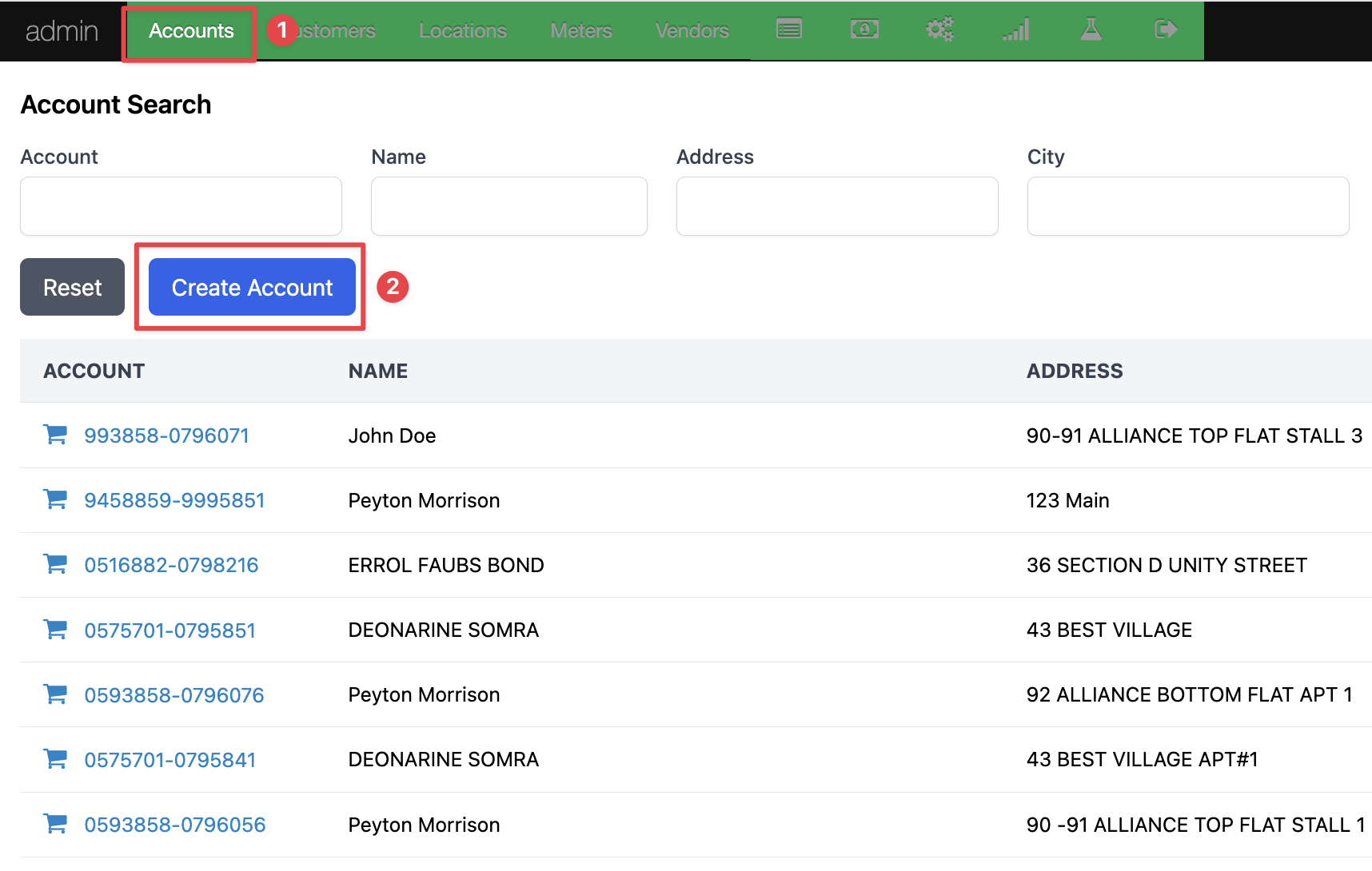
From the "Create Account" screen, enter the appropriate details. In addition to the account number, customer ID, and meter serial number; you will need to add the SMS/email, Tariff, and Wallet type. Once this information is complete, press the "Create Account" button.
.png)
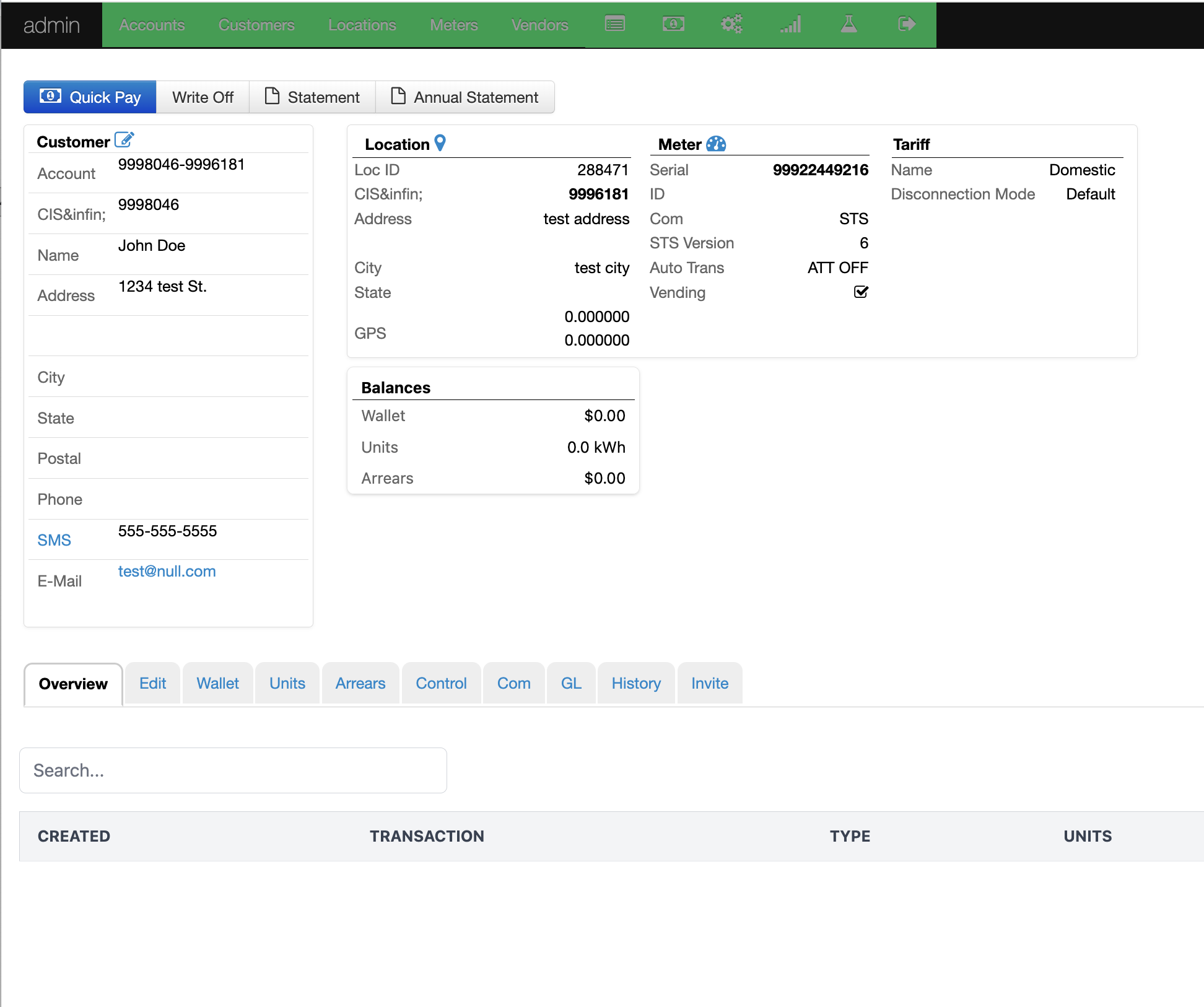
Pressing the "Create Account" button will take you to the account screen. Review the details and confirm the information is correct. The completes the account creation process.
Was this article helpful?